How to Easily Access and Share Medical Records with myDox
November 10, 2025 Delara Mirdamadi

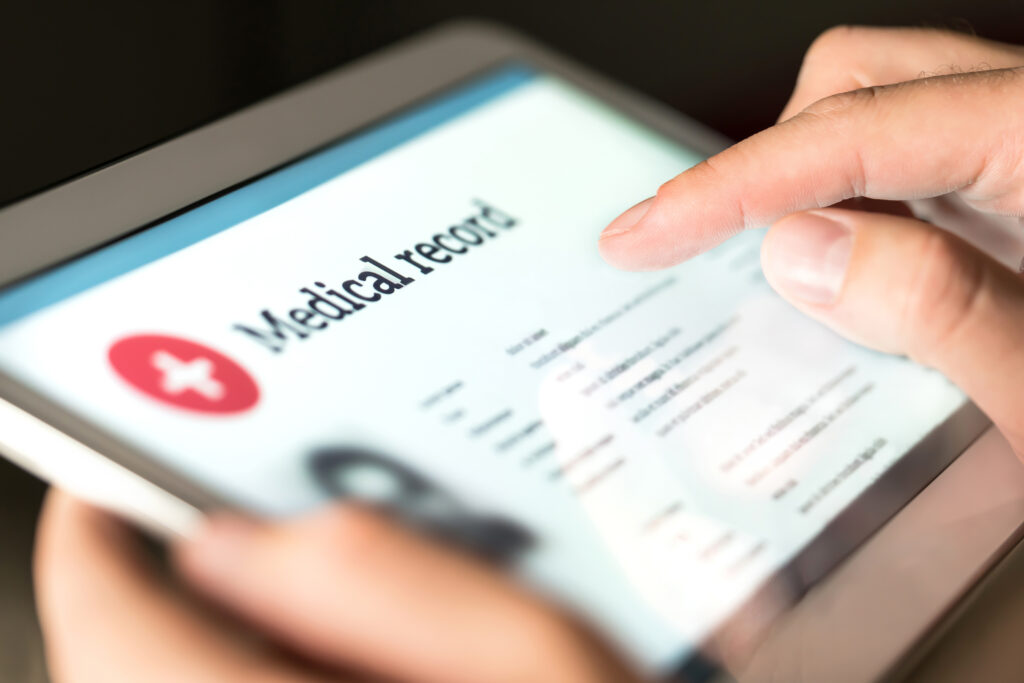
Let’s face it—medical records are notoriously hard to track down. One doctor has your test results, another has your surgical history, and somewhere out there is a childhood vaccine record you haven’t seen in years.
Whether you’re managing your own healthcare or caring for a child, spouse, or aging parent, having quick access to medical records can make all the difference.
That’s where myDox comes in. It takes the chaos out of medical paperwork and gives you one simple, secure place to store, organize, and share your medical records—when and where you need them.
1. Why Keeping Medical Records Handy Matters
In today’s fast-paced healthcare system, every second counts—especially during emergencies, major diagnoses, or routine appointments with new providers.
Here’s why having your medical records accessible is essential:
- Speeds up emergency care
- Prevents repeat testing and procedures
- Helps you manage chronic conditions
- Ensures accurate diagnosis and treatment
- Makes it easier to coordinate care across specialists
Example: Your child is starting a new school and you need to provide their vaccine record. Instead of calling the pediatrician, waiting for a fax, or digging through paper files, you just open myDox, pull it up, and send it instantly. Done.
2. What Medical Documents Should You Store in myDox?
You don’t need to save everything, but having the right documents at your fingertips can be a game changer.
Documents Worth Storing:
- Vaccine records (especially for school, travel, or childcare)
- Health insurance information and ID cards
- Medical history summaries
- Surgical and procedure records
- Lab and test results
- Imaging reports (X-rays, MRIs, etc.)
- Allergy and medication lists
- Chronic condition management plans
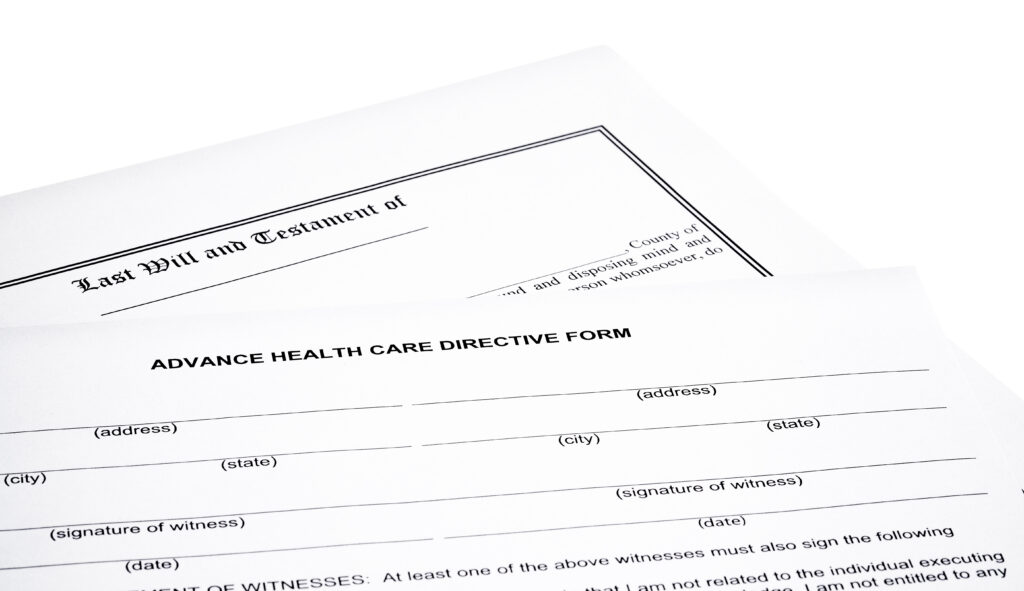
- Advance directives and medical power of attorney
Pro Tip: Create separate folders for each family member and organize documents by type—”Medications,” “Insurance,” “Vaccine Records,” etc.—for easy searching.
3. Instantly Access Your Medical Records Anytime, Anywhere
With myDox, your records are always in your pocket (or purse)—no matter where you are.
- Doctor’s office? Pull up your health insurance card in seconds
- Traveling? Show proof of vaccination at the airport
- Hospital ER visit? Share your medication list with the care team
- Switching providers? Share your full medical history instantly
Example: You’re on vacation and land in urgent care. Instead of guessing which medications you’re taking, you open myDox, tap into your medical folder, and hand the nurse an accurate list—no confusion, no delays.
4. Share Medical Records Securely with Just a Few Clicks
Sometimes you need to share records—with a new specialist, school, caregiver, or family member helping you manage care. With myDox, you can:
- Share individual documents via secure link or PIN-protected access
- Choose how long the file is accessible (you’re always in control)
- Revoke access at any time if circumstances change
No more printing, scanning, or emailing sensitive medical info.
Example: Your parent is moving into an assisted living facility. You need to share their advance directive and medication list with the care team. With myDox, you do it in under a minute—right from your phone.
5. Access Your Medical Records Nationwide with QHIN Integration
Thanks to myDox’s integration with QHIN (Qualified Health Information Networks), you can request and access your medical records from providers across the U.S.
- Aggregate medical records from different hospitals and clinics
- View your full health history in one place
- Eliminate the hassle of calling offices or waiting for faxes
Opt-in for enhanced access to make your information available at the point of care—so if there’s an emergency, your providers can pull your records on the spot.
Example: You’re at a new specialist, and they need your recent labs from a hospital across the state. With QHIN integration, myDox pulls the records in seconds—no delays, no paperwork shuffle.
6. Caregivers, Parents, and Coordinators—This is for You, Too
If you manage healthcare for others, myDox helps you keep it all straight.
For parents: Store vaccine records, prescriptions, and insurance for each child
For caregivers: Organize advance directives, POAs, and health info for aging parents
For busy professionals: Keep your own medical history organized without the clutter
Example: Your teen needs to see a new specialist, but the intake forms require a complete medical history. Thanks to myDox, you’ve got everything ready to go—no calls, no digging, no delay.
Final Thoughts: Stay Prepared, Stay Empowered
Healthcare is complicated—but accessing your records shouldn’t be. Whether you’re managing a chronic condition, planning for your family, or just trying to stay on top of things, myDox puts your medical information at your fingertips.
With myDox, you can:
- Store and organize all your health documents in one secure place
- Share records safely and instantly
- Access medical histories anytime, anywhere
- Make smarter, faster, more informed decisions for you and your family
Don’t wait until there’s an emergency. Start using myDox today and take control of your healthcare journey—with peace of mind built right in.