Your Family's Emergency Document Kit: Be Prepared When It Matters Most
March 3, 2025 Delara Mirdamadi
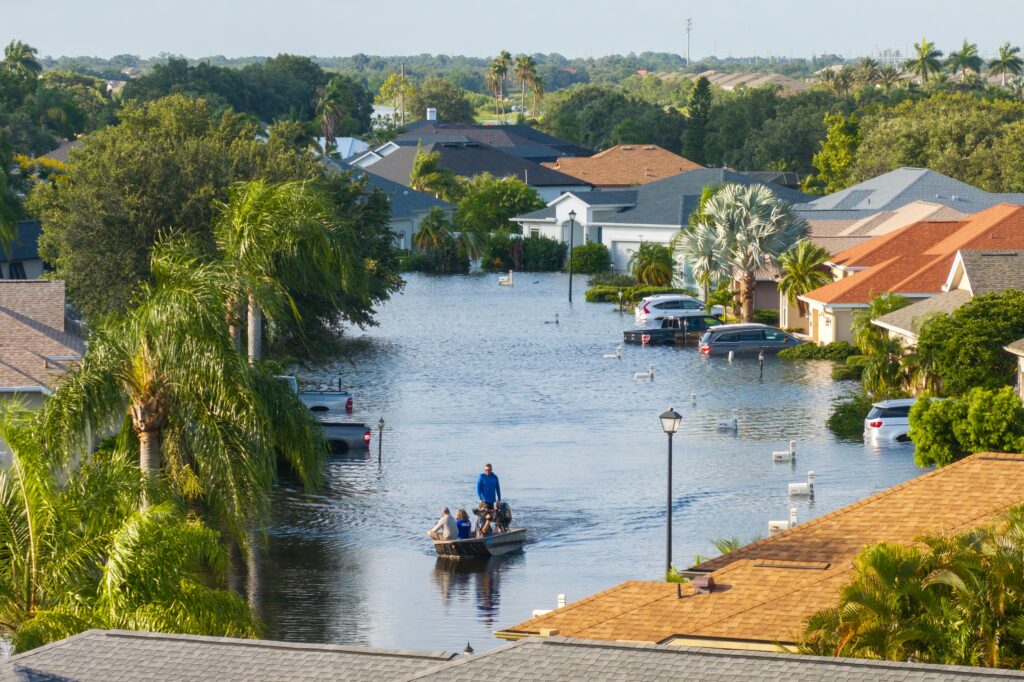
When emergencies strike, the last thing you need is to hunt for critical documents. Whether it’s a sudden
hospital visit or a natural disaster evacuation, having immediate access to your family’s important papers can make all the difference. Here’s how to create your family’s digital emergency kit with myDox – because peace of mind comes from being prepared.
Essential Documents: Your Digital Safety Net
Medical Emergency Must-Haves
Store these in your myDox Medical folder for instant access:
- Insurance cards and policy details
- Vaccination records
- Medication lists and prescriptions
- Allergies and medical conditions
- Recent test results and diagnoses
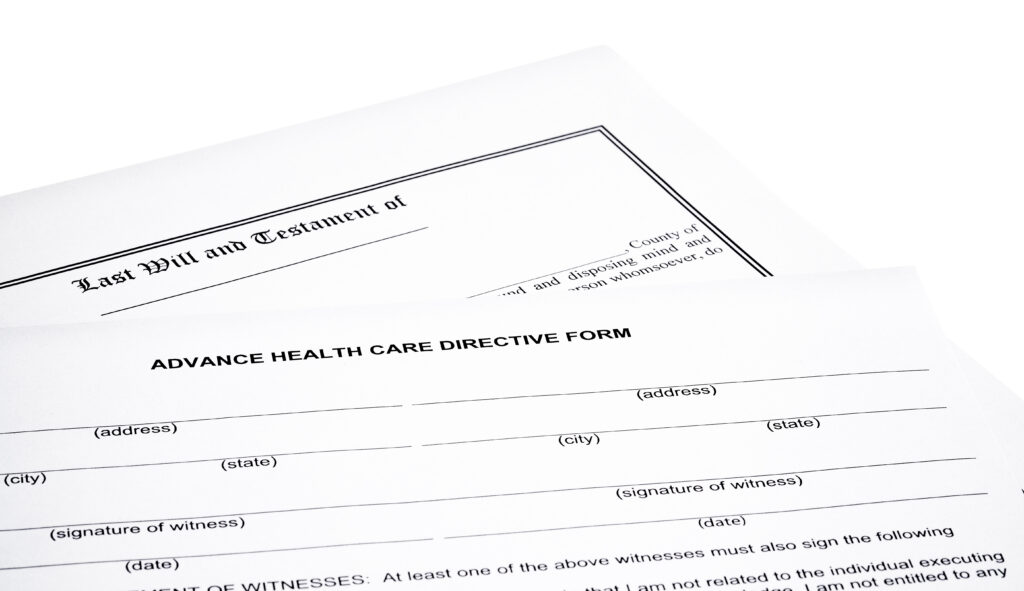
- Advanced directives and living wills
- Emergency contact information
- Powers of attorney
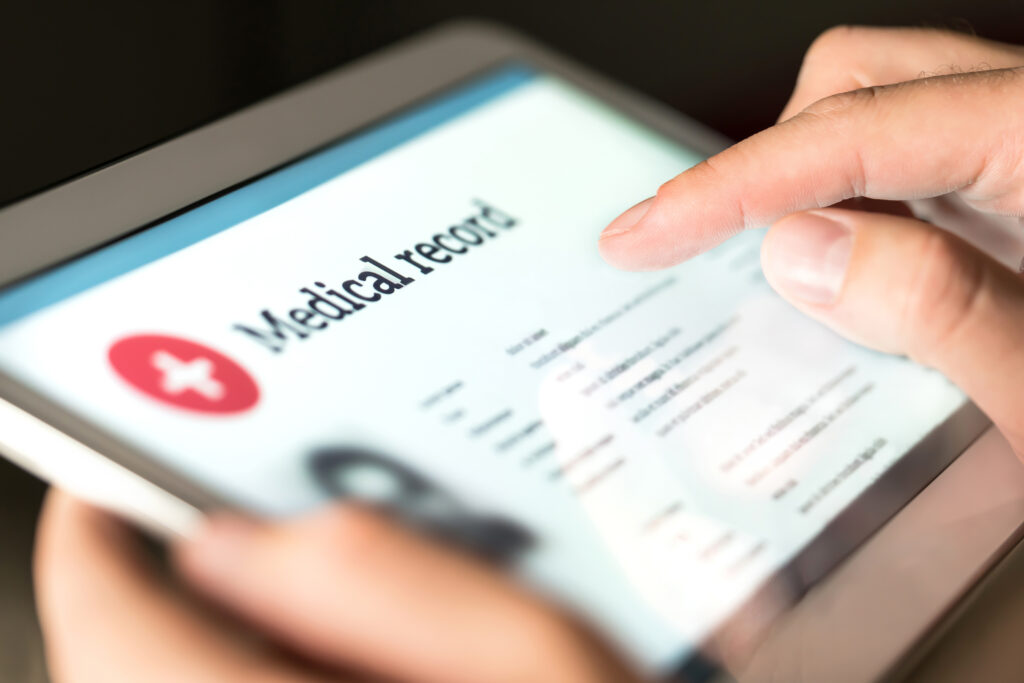
Pro Tip: myDox’s QHIN integration automatically updates your medical records from providers nationwide, ensuring your emergency medical information stays current without any effort on your part.
Legal and Financial Essentials
Keep these documents in your myDox Emergency folder:
- Driver’s licenses and ID cards
- Birth certificates
- Social Security cards
- Insurance policies (life, home, auto)
- Property deeds and titles
- Recent tax returns
- Banking information
- Emergency fund access details
Home and Property Documents
Critical information during evacuations:
- Property insurance policies
- Home inventory (photos + values)
- Utility company contacts
- Home repair records
- Warranty information
- Emergency shutdown instructions
Setting Up Emergency Access Protocols
myDox’s Emergency Access Feature
Create an emergency access plan:
- Designate trusted emergency contacts
- Set up graduated access levels
- Enable temporary document sharing
- Create emergency-only folders
- Establish verification protocols
Quick Tip: Use myDox’s time-limited sharing features to grant temporary access during emergencies while maintaining long-term security.
Natural Disaster Preparedness
Digital Document Strategy
myDox ensures your documents survive any disaster:
- Cloud-based backup
- Offline access capability
- Multi-device synchronization
- Automatic updating
- Remote access from anywhere
Evacuation Document Checklist
Have these ready in your myDox Emergency folder:
- Emergency contact lists
- Evacuation routes and plans
- Insurance claim information
- Emergency shelter locations
- Pet documentation and records
- School emergency protocols
- Work emergency procedures
Medical Emergency Access Protocol
Instant Healthcare Access
myDox’s QHIN integration provides:
- Complete medical history access
- Real-time record updates
- Direct provider sharing
- Prescription tracking
- Emergency contact notification
Setting Up Medical Emergency Sharing
Create a medical emergency plan:
- Pre-authorize emergency contacts
- Set up hospital sharing protocols
- Store advance directives
- Include insurance information
- List current medications
Family Communication Plan
Emergency Contact System
Use myDox to organize:
- Primary contact information
- Out-of-area contact details
- Meeting point locations
- Communication protocols
- Backup contact methods
Document Access Instructions
Create clear guidelines for:
- Accessing emergency folders
- Using temporary sharing features
- Finding critical documents
- Contacting support services
- Updating information
Smart Emergency Preparedness with myDox
Digital Backup Strategies
Ensure document availability with:
- Multiple device access
- Secure cloud storage
Emergency Access Testing
Regularly verify:
- Document accessibility
- Sharing permissions
- Contact information
- Access protocols
- Recovery procedures
Power Tips for Emergency Readiness
- Quarterly Document Review
- Update contact information
- Verify document accuracy
- Check sharing permissions
- Test access protocols
- Update emergency plans
- Emergency Drill Checklist
- Practice document retrieval
- Test sharing features
- Verify contact numbers
- Review access procedures
- Update meeting points
Special Considerations
For Families with Children
Keep these additional documents ready:
- School emergency cards
- Childcare authorization forms
- Medical treatment permissions
- Custody documents
- School contact information
For Those Caring for Elderly Parents
Additional documents to include:
- Medical power of attorney
- Care facility information
- Medication schedules
- Caregiver contact lists
- Special needs documentation
Making It Work: Your Emergency Ready Plan
Create your emergency document kit in three steps:
- Gather and Digitize
- Scan essential documents
- Organize by category
- Set up sharing permissions
- Create access protocols
- Share and Prepare
- Brief family members
- Distribute access instructions
- Set regular review dates
- Update emergency contacts
- Test and Verify
- Practice access procedures
- Check sharing features
- Verify contact information
- Update as needed
Peace of Mind Starts Now
Don’t wait for an emergency to get your documents in order. With myDox, you can create your family’s
emergency document kit today and know you’re prepared for whatever tomorrow brings.
Start building your family’s emergency document kit with myDox. Try it free for 30 days and gain peace of mind knowing your critical documents are secure and accessible when you need them most. Visit mydox.io/signup today.
Document OrganizationData ProtectionEmergency AccessCloud BackupDigital Vault